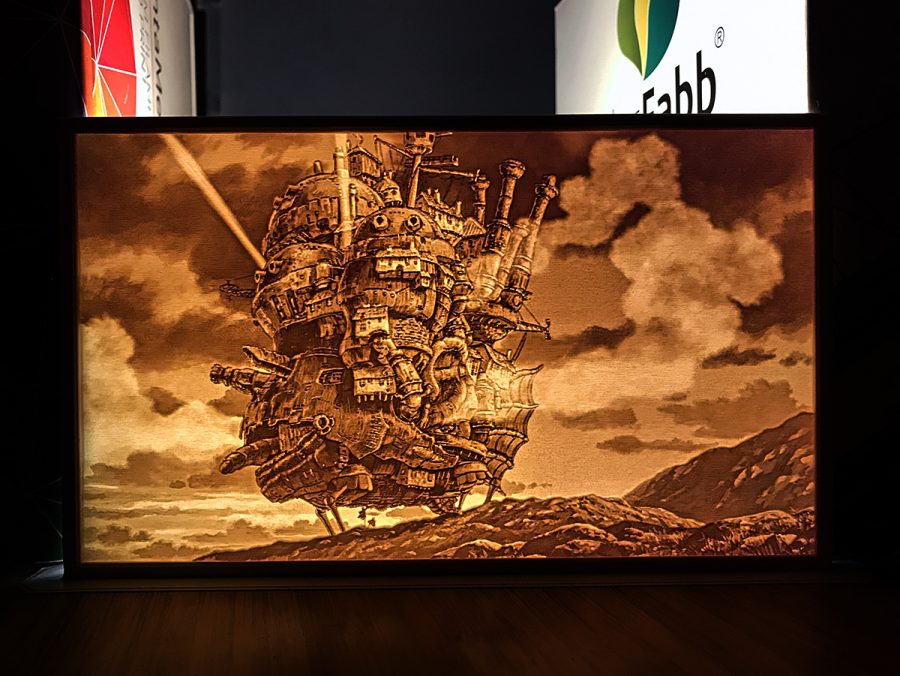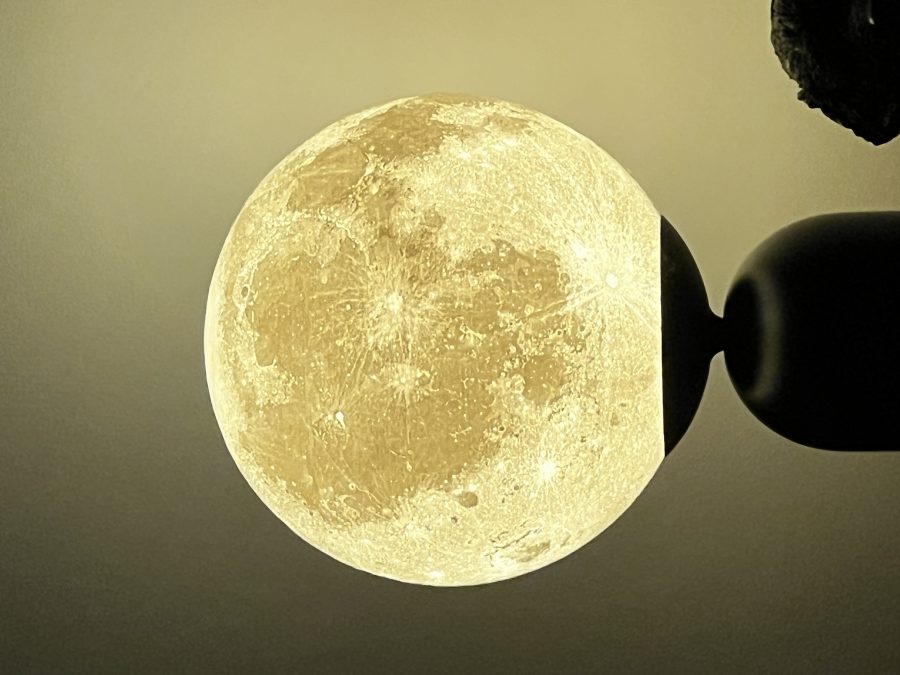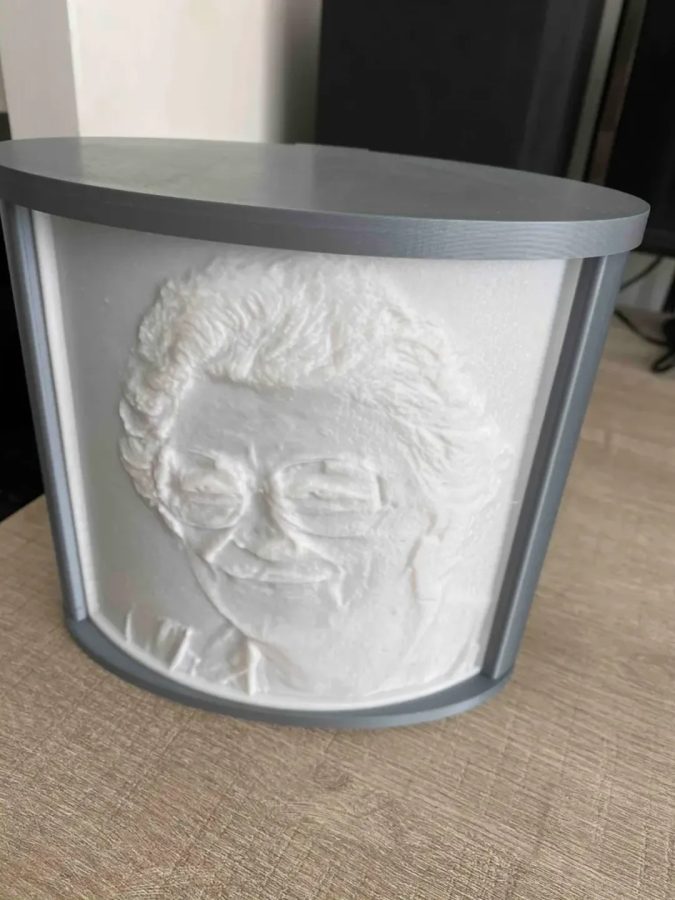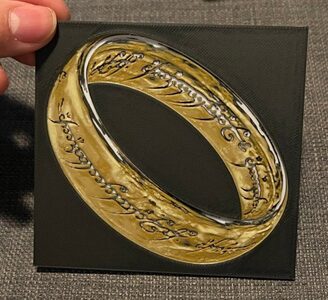
One Ring - Dual Print and Lithophane - Hueforge Print
MakerWorld · cyanidesugar
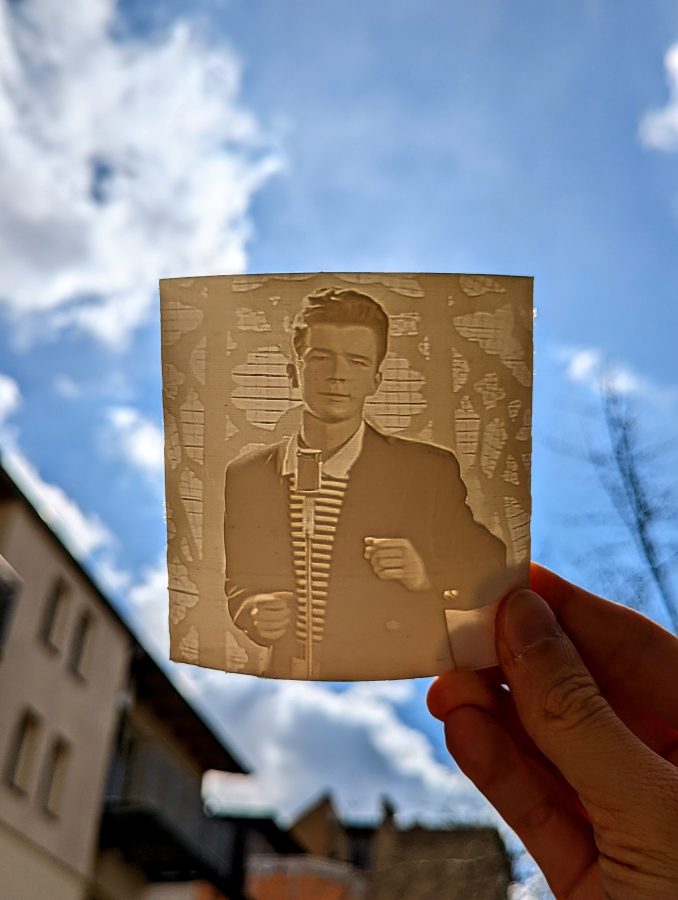
by XYZ Space · Printables
Its licence (CC BY-NC (non-commercial)) does not allow printing to order. You can download the file at the source and print it yourself.
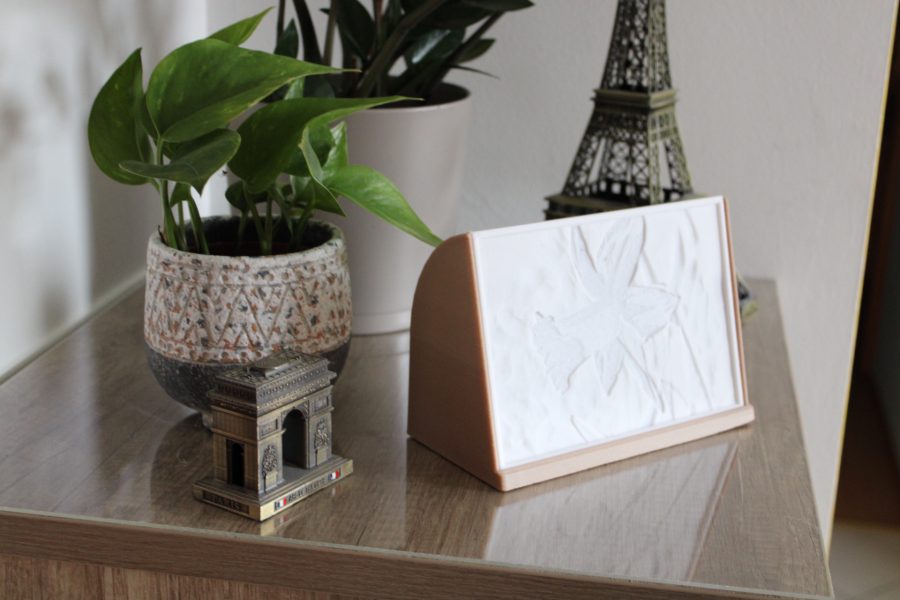
models to printEasy to print picture that shows surprise under light! Printing instructions - use white filament!Use either 100% infill or many walls/perimetersRecommended layer height is 0.12 however if you want the most detailed print, go lower. Maximum layer height in my opinion is 0.2Use BRIM and print in given positionNo supports In case you want to do your own lithophanes, here is how I did it Find suitable picture - good contrast; usually simpler picture prints better than one with lots of detailsoptional - use photoshop or any editing software (like the one in your phone gallery) and boost contrast, play with vibrance, saturation and sharpness. 3. Upload your image to 3dp.rocks - on top click “Images” and upload yours then move to “Model” where you choose the type (curved, flat..) and hit refresh. 4. All there is left to do is change “Settings” - I use the one below this paragraph. The most important is “Maximum size (MM)”, that changes the model size. After any change you need to click REFRESH in the model settings. 5. Download your STL file and put it into slicer 6. Enjoy! Note: This is not the final version of this page, I will keep updating it - mainly to make it better looking and readable. If you do not understand something, please ask in comments so I can update it :)In case you have any requests, feel free to send me a message and I will try to help you out!
MakerWorld · cyanidesugar
matplace
MakerWorld · 3DPrintBunny
Printables · MeasureOnce
MakerWorld
Printables · RetromanIE
Printables · Carl D
MakerWorld
We need the necessary cookies for signing in and for ordering. With your consent we also measure visits (Google Analytics) and how our advertising works (Meta). Without consent none of that is loaded. More about cookies