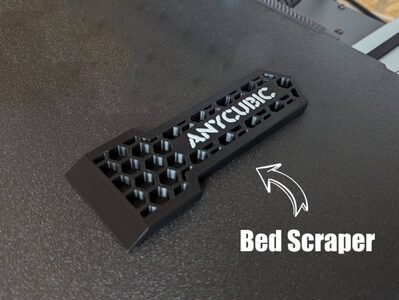
Anycubic Scraper
MakerOnline · piodeer
by RaduSorin1 · Printables
The licence of the model (CC BY (attribution)) allows printing to order. Download the file at the source and upload it to us. We note the author and the source on the order for you.
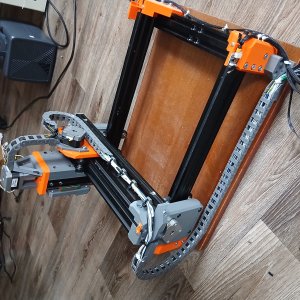
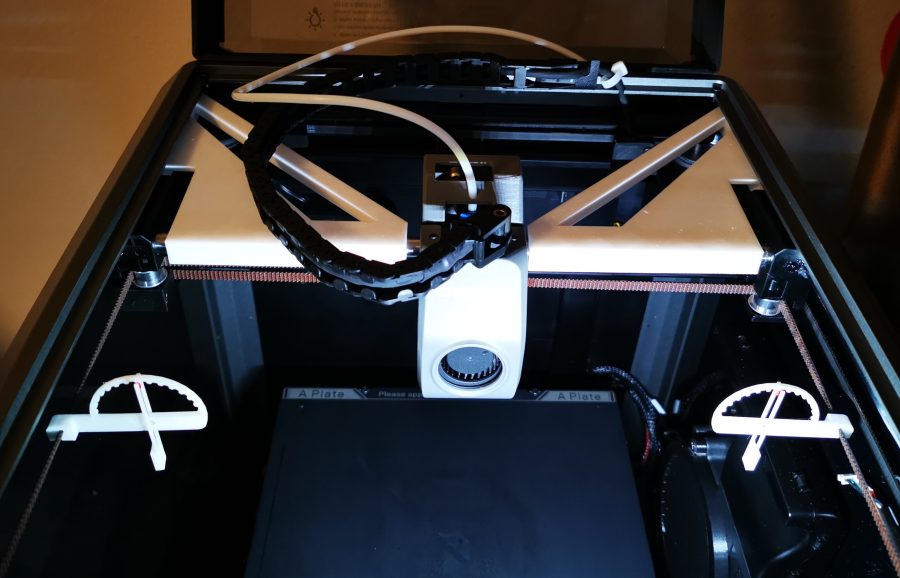
Upload the file and printDescription: Creality K1 XY axes alignment tool. Update: Added alignment tools for K1 Max. It will help keeping the axes perpendicular while adjusting the belts. Also it will keep the X gantry at 150mm from front pulleys so you can adjust the belts, if you push everything all the way back. Settings: Nozzle: 0.4 or as much as you can Line height: 0.2 or as much as you can Line width: 0.4 or as much as you can Supports: No Brim/Raft: No Material: Any Note: X axis slot has 10mm, Y axis slot has 8mm, also Y is the shortest part (right will fit only right, left only left) Installation: • Loosen the belts (as described in the manual, or as you are used to) • Move X gantry to the front of the printer • Attach first to Y rod, next to the motors, easier if it's vertically oriented with the tip down. • After installing both on Y rods, rotate them until parallel. • Bring X gantry close • Raise alignment tools a little and slip X gantry underneath • Lock in place. • Both should be locked on Y and X rods. Tools and X gantry should be pushed until they touch XY motors bearings supports to achieve the 150mm belt length. • Proceed to tighten the belts (as described in the manual, or as you are used to) • Optional you can use the belts tension meter found here https://www.printables.com/model/523382-creality-k1-belt-tension-meter
MakerOnline · piodeer
Printables · Vic
MakerWorld · wuguigui
Printables · maby
Printables · Matt
Printables · SemkoAnton
MakerWorld · vr6syncro
Printables · nguyenkvvn
We need the necessary cookies for signing in and for ordering. With your consent we also measure visits (Google Analytics) and how our advertising works (Meta). Without consent none of that is loaded. More about cookies