Unknown source
Storage Rack for the MMSS
🏭 100+ tiskáren
·
across Czechia
·
⏱ pay after printer accepts
Description
Description and contextualization
A present to you, a Rack for the Mutil-Modular Storage System (MMSS) that I've been developing. Don't go running to buying a ton of filament, first you must understand how this work....
You can do it step by step.
You can start with a simple model, and store it in your closet, some drawer, or card box; a month later, you may buy something else and print the corresponding module to store your precious component or accessories. Someday, you may need a box or maybe a case (if you have to transport your things) to store the modules you already have…
In the limit, some people, need a complete rack, because they have a lot of things (maybe a print farm).
But this rack, on its own, has the Build plate dispenser, and for most people, this project ends there. But you are like my, and make things scalable and that's why this is all modular.
Introduction
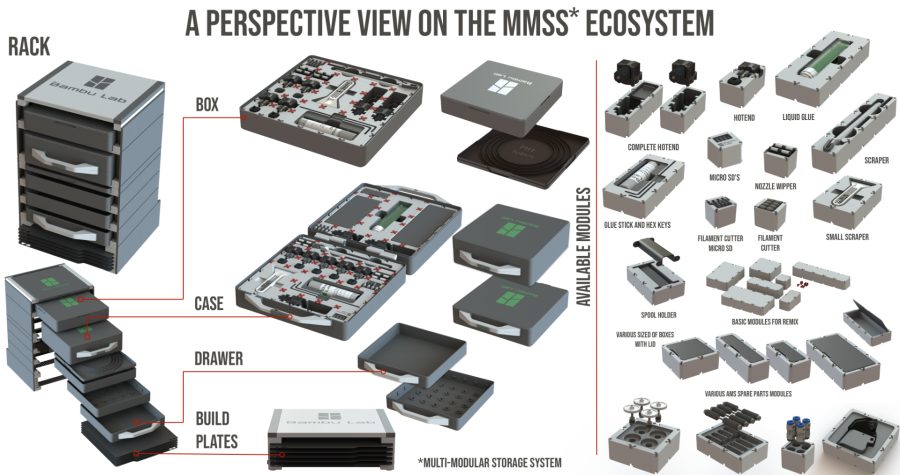
This rack serves as a support to the different projects carried out around what I can already call an ecosystem, namely;
• Multi-Modular Storage System -MMSS
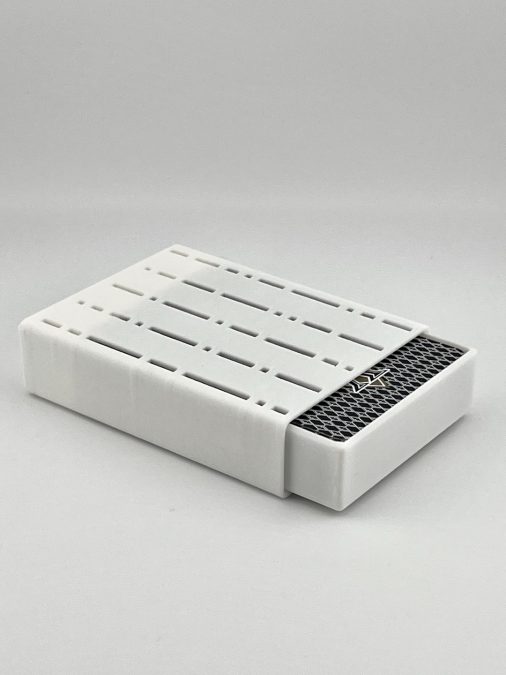
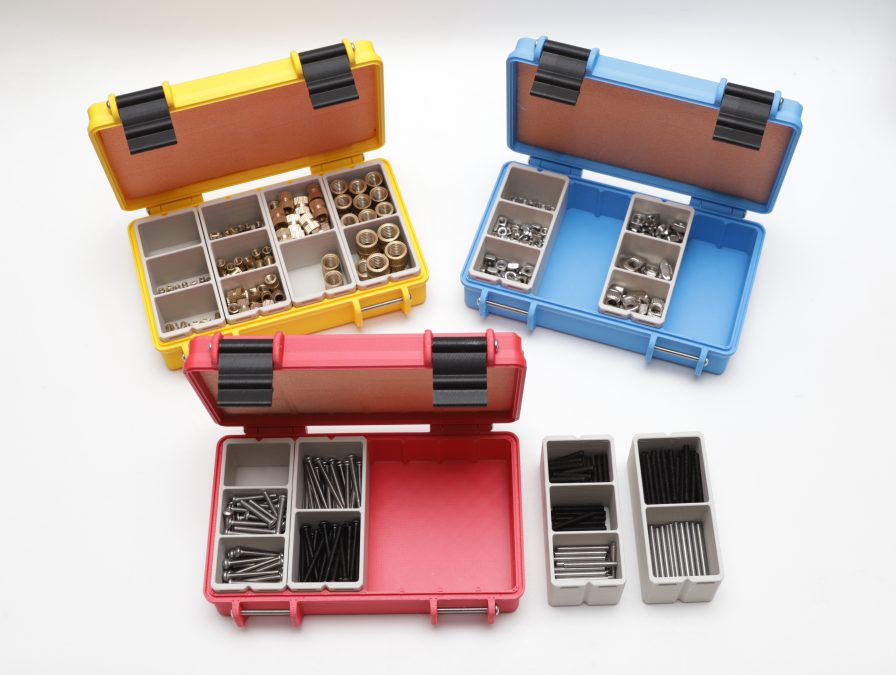
• Box with lid for MMSS
• Case for the MMSS
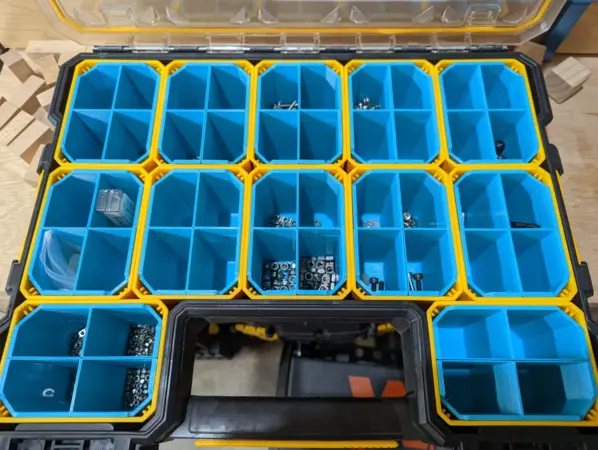
Multi-Modular Storage System -MMSSBox with lid for MMSSCase for the MMSS
• The amount of modules you can add is growing fast:
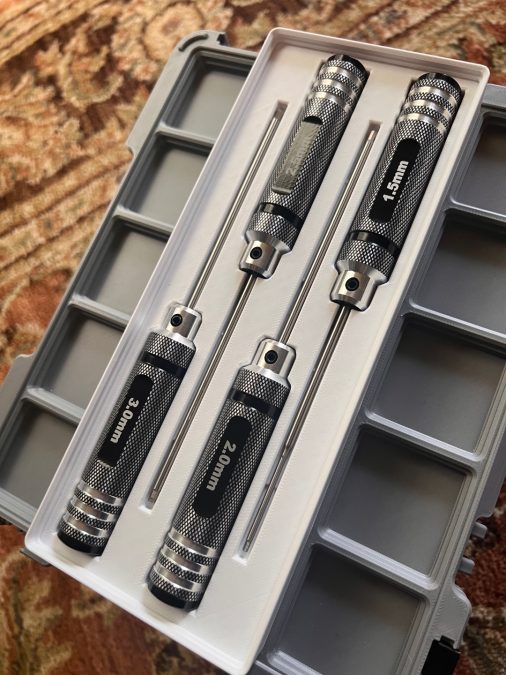
• MMSS 2x4 Module - Glue Stick and Hexagonal Keys
• MMSS 1x1 Module - MicroSD
• MMSS 1x1 Module - Nozzle Wipper
• MMSS 1x1 Module - Filament Cutter + MicroSD
• MMSS 1x1 Module - Filament Cutter
• MMSS 1x2 Module - Hotend and Silicon Sock
• MMSS 1x3 Module - Complete Hotend
• MMSS 2x3 Module - Small Scraper
• MMSS 2x5 Module - Liquid Glue
• MMSS various Modules - Pockets with Lid
• MMSS 2x3 Module - Spool Holder
• MMSS 1x5 bambu lab original scraper
• MMSS for AMS Modules
• 4x Active extrusion wheel assembly;
• 4x Active support shaft assembly;
• 4x PTFE Tube Fast Connector;
• 4x Driven Support Shaft Assembly
• 1x First Stage Feeder
• MMSS for the A1 printer
• MMSS 1x1 Module - PTFE Removal Tube for the Bambu Lab A1
• More to come… I'm always adding new modules, please check my profile for the later information, some are free, others are only available as exclusives for members.
• Batteries Modules
• MMSS 2x3 Module - AAA batteries
• MMSS 2x3 Module - AA batteries
• MMSS 2x4 Module - PP3 9v batteries
• More to come… I'm always adding new modules, please check my Collection for the MMSS for more.
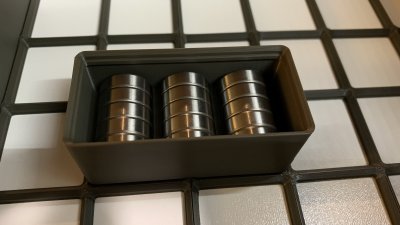
This rack adds now support for the build plates.
… and more
Assembly info
Read carefully the explanation that fallows. I've tried to be systematic for anyone to understand. This os not a print of a small toy or a vase, you will need to make decision, so make them informed.
1- Start here - Assemble the base that will serve the build plates. if you have many you can stack them together.
1.1 - All you need, and more, is available withing the file “rack_lower_module.3mf”.
2 - Now you have a choice to make:
2.1 - Stop here on the basic module for the build plates, or;
2.2 - continue to add other parts from the MMSS ecosystem.
If MMSS = 2.1 then;
You will need a cover like this to finish the job, you will find that part on the 3mf file regarding the rack for build plates
Tip:
For the PETG springs (see BOM list), flex the back plate a little for them to slide on the dovetail.
If MMSS = 2.2 then;
• you can add other rack for build plates, if really like build plates :) or;
• add a MMSS box or case, or several of them.
2.2.1 Ok, you need to add more modules on top of the “Base module" that serves the build plates. Now you can choose to continue with the barebone or the complete version.
2.3 - Barebone rack2.4 Complete rack
If MMSS = 2.3 then;
2.3 Barebone Rack
If you go this way, you will need some new parts that you can find on the 3mf file “rack_middle_modules.3mf”.
This drawing will help you choose the right heights for the spacers, almost all the parts are the same for any modules you choose, with the exception of the top.
Easy, isn't it? ;)
2.3.1 There are some parts that you will need to go up, in what I call, the middle steps. These parts can be found on the 3mf file stated on 2.3 point. You can stack modules on top of each other, most parts are the same, just be careful to choose the “Pillars” A, B or C depending on what you need, these will give you the space necessary for each module (see drawing above).
See does red pins? They have to go with a tight fit, if you notice them loose on the guides or on the Pilar’s see if the filament is calibrated, sometime, certain materials shrink more than others, petg tends to be more stable… anyways if all fails, use the scale tool on the slicer to compensate.
2.3.2 At some point you will reach the top, and you will need to close the rack top.
2.3.2.1 - Normal top2.3.2.2 - Top made with the lid from the Box for the MMSS
2.3.3 After choosing the top, you can print the corresponding modules from the “rack_tops_modules.3
Similar models