
Printables.com
Lithophane frame
🏭 100+ tiskáren
·
across Czechia
·
⏱ pay after printer accepts
Model author: Ralf Hörhager
·
original on Printables.com
Description
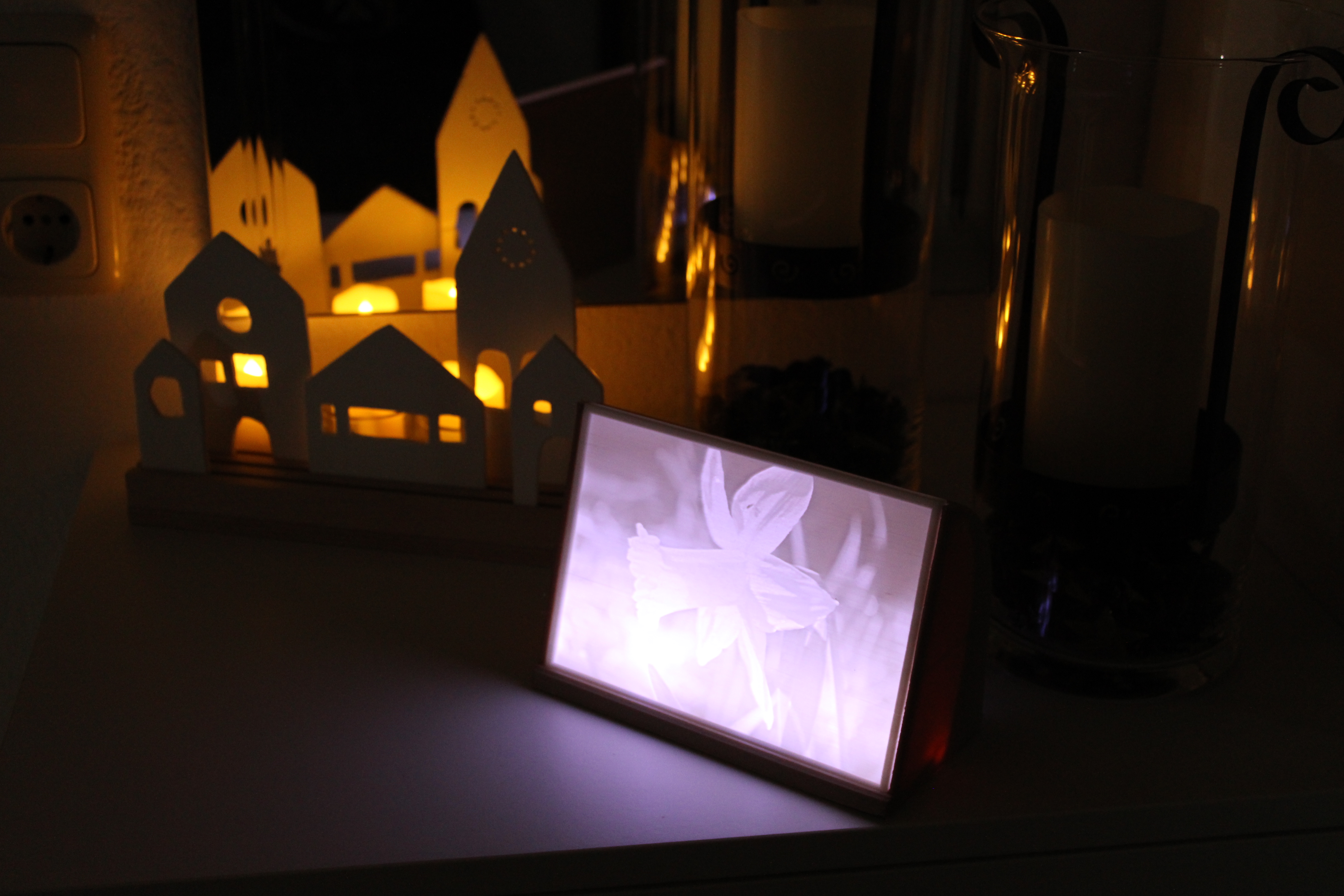
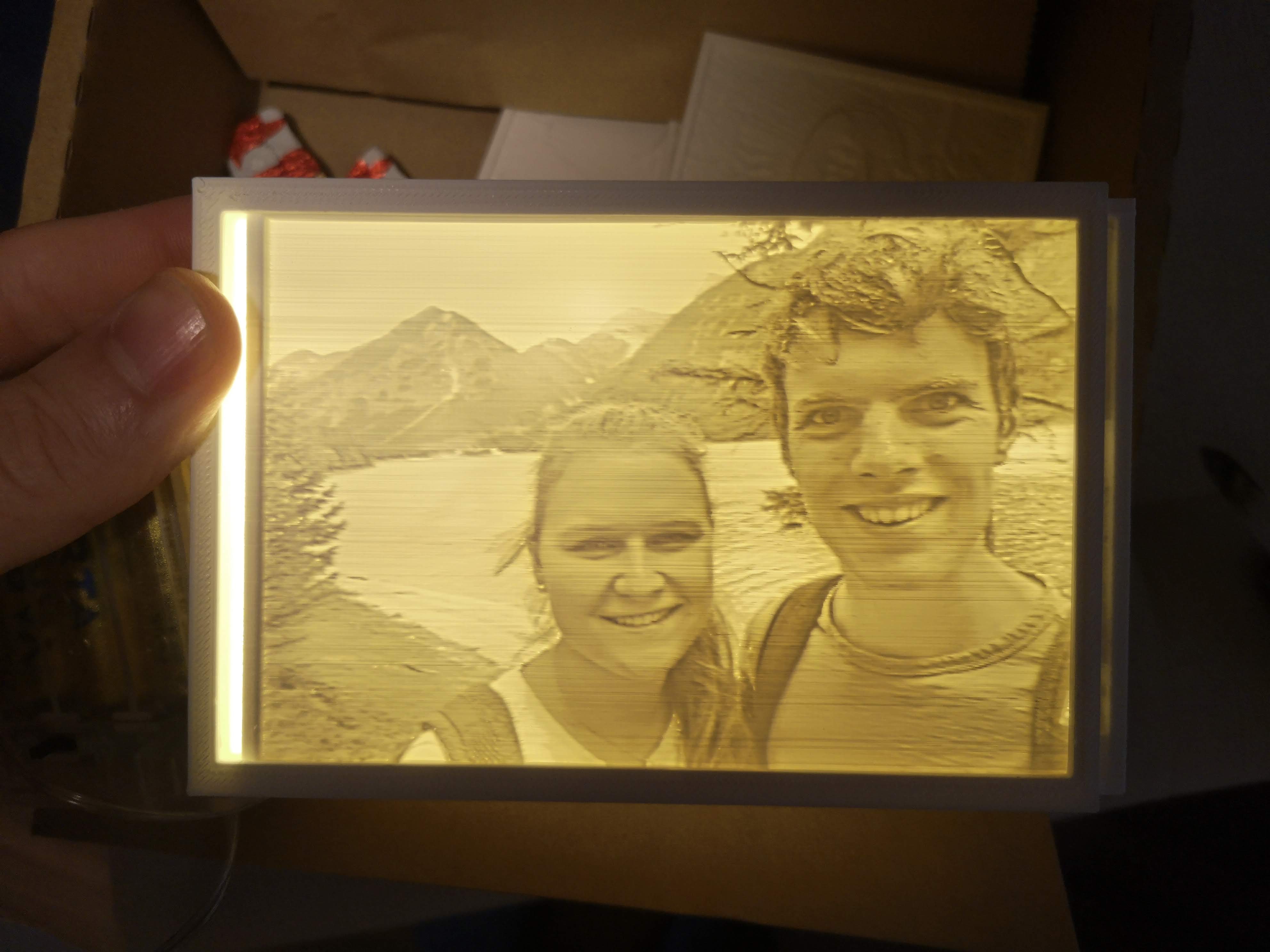
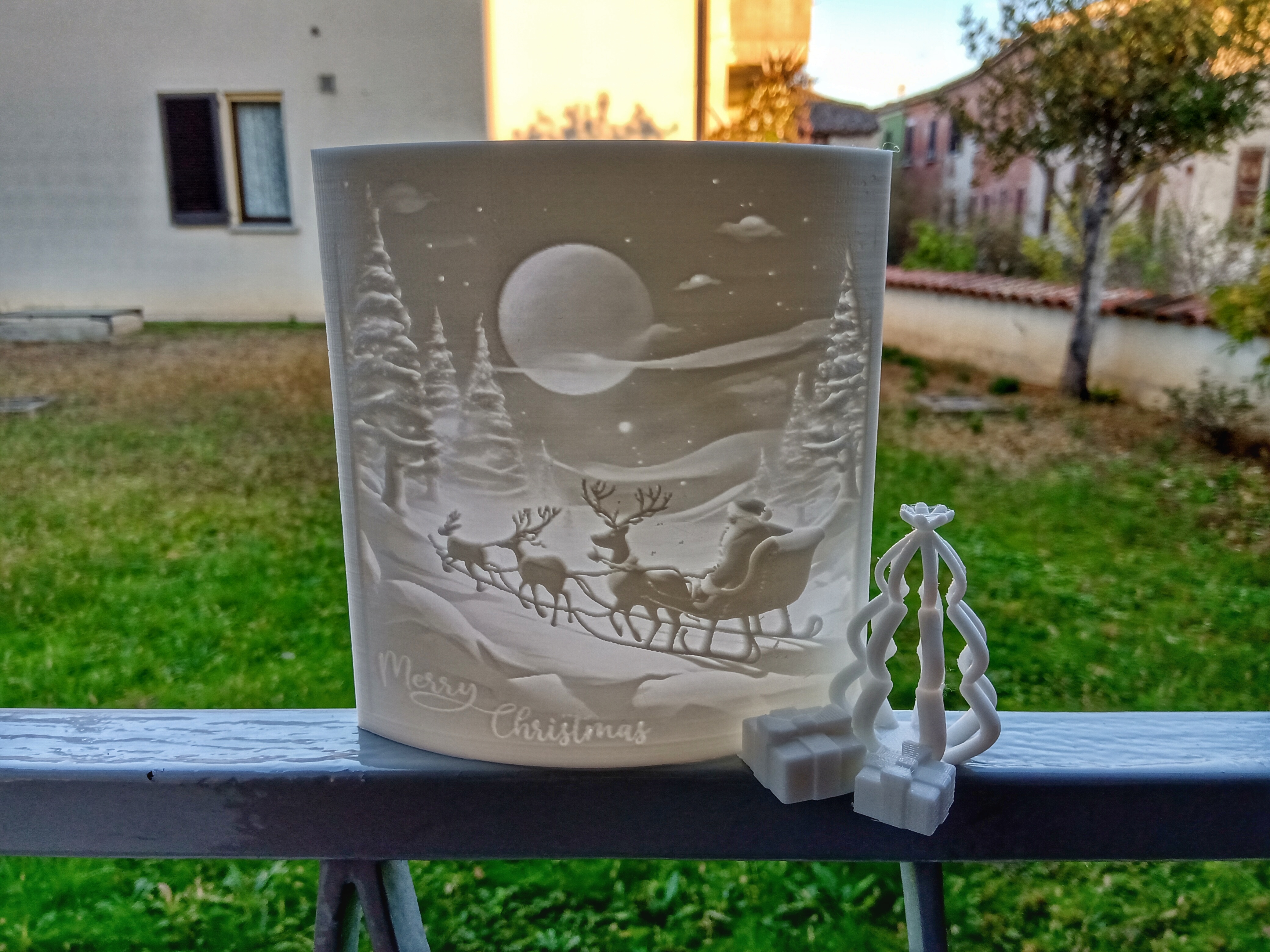
General InformationI wanted an easy to print and nice looking frame for some Lithophane's I have. Furthermore, it should use cheap lights with batteries. I couldn't find something I liked so I drew my own in Fusion360. Parts and ToolThe Lights I used BXROIU 2 x 20er Micro LEDI used the Flat Lithophane Maker to create the Lithophane.Filament Sunlu PLA+ white and Sunlu Wood The settings I usedLithophane Resolution (mm/pixel)0,2Width (mm)170Height (mm)120Depth (mm)6Base Height (mm)3Overhang Angle (deg)60Maximum Thickness (mm)2,4Minimum Thickness (mm)0,6The Width, Height and Depth are important. You need to use the same values as above or change the frame model. The other settings depend on the printer you are using. I used a modified Artillery Sidewinder X1 to print this model. My print settingsLithophane:0,4mm Nozzle 0,2mm layer Hight4 perimeter100% infillFrame:0,6mm Nozzle 0,3mm layer Hight3 perimeter30% infill Assembly It's very simple: Thread the fairy lights through the hole on the back.Bend the fairy lights so that they are nicely wrapped in the groove. Fix with hot glue if necessary.Simply place the Lithophane in the slot provided.If you have any questions don't hesitate to ask me in the comments. Thanks for downloading and Happy Holidays!
Similar models
from 270 Kč
from 260 Kč