Printables.com
Cardboard Spool Ring for Bambu Lab AMS (parametric)
🏭 100+ tiskáren
·
po celé ČR
·
⏱ platba po přijetí tiskárnou
Autor modelu: Blizzard
·
originál na Printables.com
Popis
The one spool ring to rule them all!
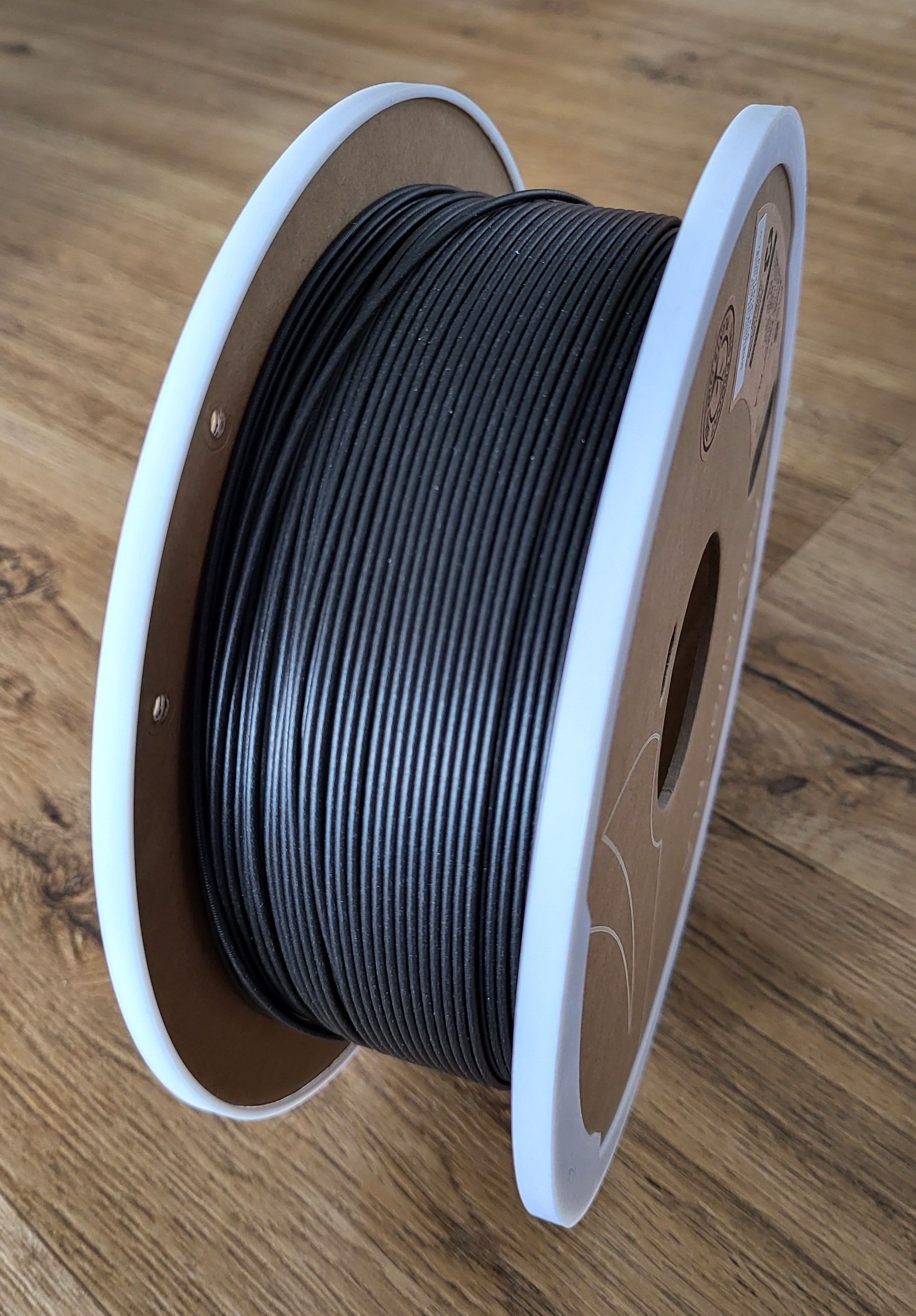
Bambu Lab doesn't recommend using filaments with cardboard spools with the AMS, as they can produce dust and block the rollers or the cardboard edges could fray, causing issues. By snapping this model onto the cardboard spools, only plastic makes contact with the AMS, solving these issues.
If you like what I'm doing, please give it a like 👍 consider joining my club or buying me a coffee! 😃👍
Compatibility
Tested to work with the cardboard spools from the following filament brands:
• 3DE Premium
• 3DQF
• Anycubic
• Canadian Filaments
• Creality
• Duramic
• Elegoo
• eSun
• Filamentive
• Filaments.ca
• FIXDRY
• GNVTNTP
• Inland
• Jayo
• KYUUBI
• Matter3D
• OtterTek
• Overture
• OVV3D
• Polymaker (e.g. PolyTerra / PolyLite)
• Print Bed
• real Filament
• Redline
• Reflow
• Smartfil
• Sparta3D
• X3D
• Ziro
• (Jessie filament spools are too wide for the AMS)
If you find this works with a brand of filament with cardboard spools that are not listed here, please leave a make or a comment and I will add it to the list!
Printing instructions
I recommend you to print the regular cardboard_spool_ring file first and make sure the diameter is exactly 202 mm. If it doesn't fit in your AMS or you have other issues, look at the Versions / Troubleshooting chapter below. You can also have a look at the makes and see if someone else used the same filament as you and used any special parameters to make it work.
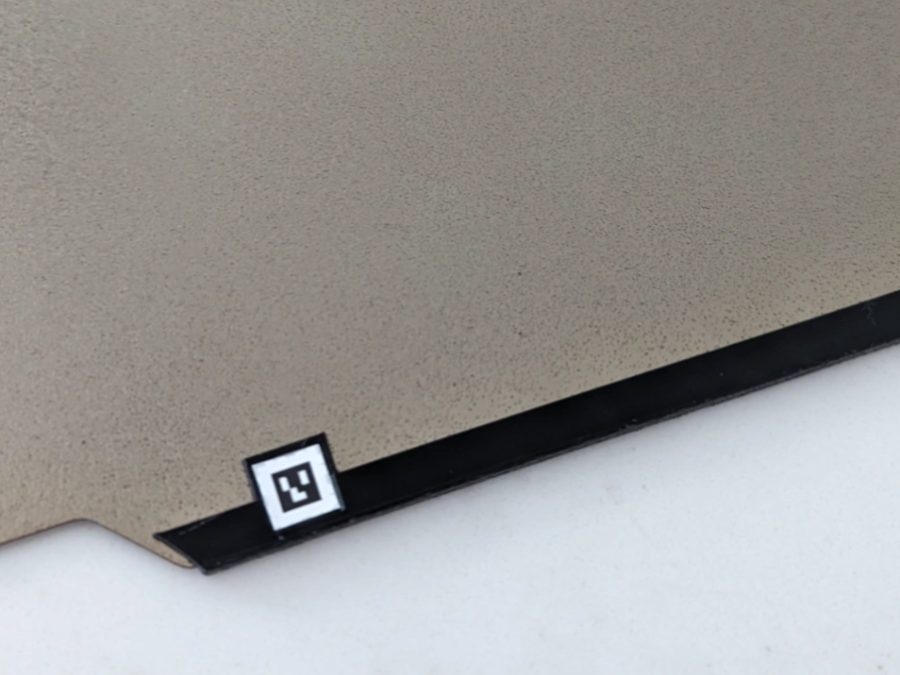
Prints nicely without supports in PLA at 0.20 mm layer height. I provided the STL (to use in your favorite slicer) as well as the Fusion 360 design file, should you need to make changes for a filament brand with a different spool size or hole pattern. I also provided two “.gcode.3mf” files (one for Bambu Basic PLA, one for Generic PLA) which you can directly put on a microSD card, insert into your Bambu Lab X1C, and print from the touchscreen. If your printer is not dimensionally accurate you may have to scale the print down / up. If you're using a Bambu Lab X1C to print this on the Cool Plate, make sure to only apply a very light amount of glue stick, else it may be difficult to remove it from the plate without breaking it. If you have one, I would highly recommend printing it on a textured PEI sheet without putting on any glue stick, which makes it very easy to remove the print without damage.
Another material that proved to be very good is TPU 95A, like Overture High-Speed TPU 95A (thanks to @Rob_1000624 for the suggestion!).
Versions / Troubleshooting
As the size of each AMS and cardboard spool is slightly different, you may need to print a different version to make it work. Look through the following steps and try them in order until your problem is solved.
• If the AMS doesn't close, try printing cardboard_spool_ring-thinner
• If the edges of the cardboard spool are uneven or wobbly (as was reported by some users with Overture spools), try printing cardboard_spool_ring-thinner_straight
• As this version doesn't have a snap on the side, you need to glue it to the spool, either by using CA glue or applying some glue stick on the side.
• If the printed ring only fits very loosely on the spool and falls off, try printing cardboard_spool_ring-smaller
• If the cardboard spool spins on the printed ring, apply a touch of glue stick to the ring.
• If the cardboard spool and spool rings slip in the AMS, try reprinting the rings using the "fuzzy" setting in Bambu Studio set to 0.2/0.2
If none of those solves your issue, please write a comment, explaining your issue.
Parameters
You can modify this design in Fusion 360 using parameters to make it fit a variety of different spools and AMS sizes. You can change them by clicking on Solid → Modify → Change Parameters.
Here is an overview of the parameter values and the values of the regular cardboard_spool_ring version:
Parameter nameValueDescription
bottom_thickness1 mmThickness of the part that touches the spool on the side.
cardboard_thickness3 mmThickness of the cardboard on the spool.
spool_diameter200 mmDiameter of the spool.
edge_thickness1 mm
Thickness of the part that goes around the edge of the cardboard spool and sits on the rollers in the AMS, adding to the diameter of the spool.
Decrease this if the AMS cannot be closed as the diameter is too big.
For example: If the spool diameter is 200 mm and this value is 1 mm, the final diameter of the printed spool ring will be 200 mm + (2 * 1 mm) = 202 mm (as there is material on both sides).
width_to_holes7 mm
Width between the edge of the cardboard spool and right before the holes start (which you use to stick the loose end of the filament in for storage).
Decrease this if the printed part covers holes on the cardboard spool.
total_width13 mm
Width of the printed part that covers the cardboard spool's side (one side only).
Must be larger than or equ
Podobné modely
od 150 Kč
od 1 430 Kč