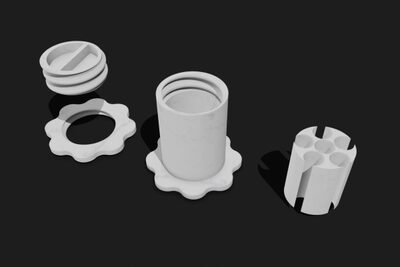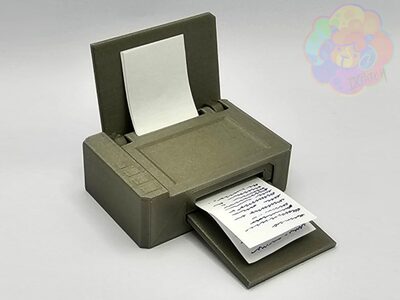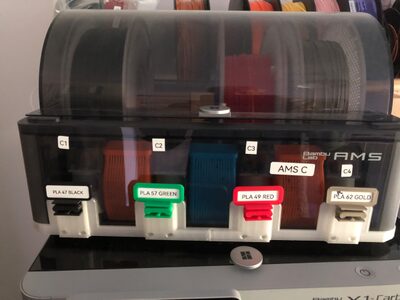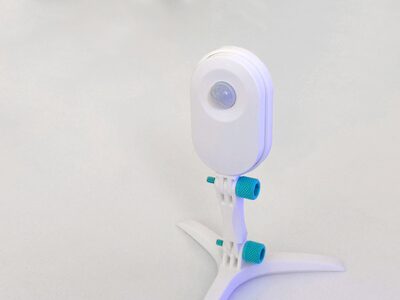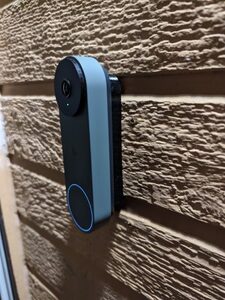
Google Nest Gen 2 Wired Doorbell Spacers (Flat & Angled)
MakerWorld · bri0nac

autor Dante · Printables
Licence (CC BY-NC-SA (jen nekomerčně)) dovoluje jen nekomerční použití. Stáhněte si soubor u zdroje, nahrajte ho k nám a vytiskněte na pronajaté tiskárně pro vlastní potřebu, ne na prodej.
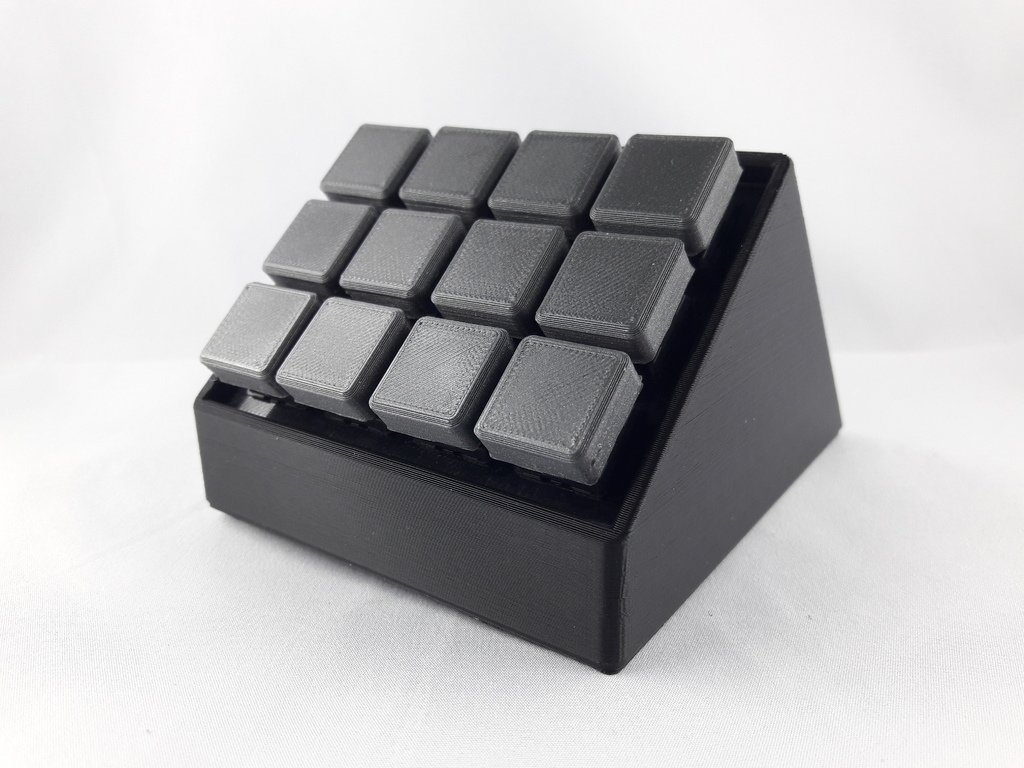
Nahrát soubor a vytisknoutThis is a remix of an existing stream deck! This design was inspired by DaveM (https://www.thingiverse.com/DaveM/about). Check out his Version of the stream deck! Thingiverse: https://www.thingiverse.com/thing:2822140 His website: https://www.partsnotincluded.com/diy-stream-deck-mini-macro-keyboard/ I got the idea to make an own version of a macro keyboard and stumbled across the stream deck of DaveM with 8 buttons. Due to the fact that I wanted more switches and no screws, I created my own version. This includes: the main body (angle in the pictures), a plate for the switches, keycaps and an anti-slip pad. The complete wiring and programming is based on DaveM's creation and only adapted for 12 instead of 8 switches (F13 - F24). Additionally to the 3D-printed parts you will need: • 12x Cherry MX switches (I chose red ones - https://www.reichelt.de/cherry-mx-red-tastenmodul-schnappbefestigung-cherry-mx1a-l1nn-p202567.html?&trstct=pos_10&nbc=1) • Cables for wiring • Solder • Arduino Pro Micro (I used the 3.3v version) • A camera to upload your Make :) Print Settings Printer Brand: Prusa Printer: i3 MK2S Rafts: Doesn't Matter Supports: No Resolution: 0.2 mm Infill: 20 % Filament: Das Filament, Material4Print PLA, PETG, TPU Black, Anthracite Notes: PLA: Body and Keycaps PETG: Backplate (can be done in PLA aswell) TPU: Non-slip pad Post-Printing Step 1: Soldering After inserting the switches into the plate you can start by soldering the cables. I recommend starting with the ground wire in a matrix style. After that you can solder the rest of the wires. I recommend jumper cables for an easy connection to the Arduino later. After that is done you can connect the wires to the Arduino Pro Micro in the following order: At the end you squeeze all the cables and the Arduino into the main body by inserting the plate. I designed this to be a tight fit so no screws will be needed. You can keep everything in place with a hot glue gun, which I pe
MakerWorld · bri0nac
MakerWorld · R C 3D
MakerWorld · IXPatch
MakerWorld · Ukdavewood
MakerWorld · keeeal
MakerWorld · vr6syncro
MakerOnline · FlwidPrint
MakerOnline · FlwidPrint
Cookies a měření. Nezbytné cookies jsou vždy; měření návštěvnosti a reklamy jen s vaším souhlasem. Víc o cookies