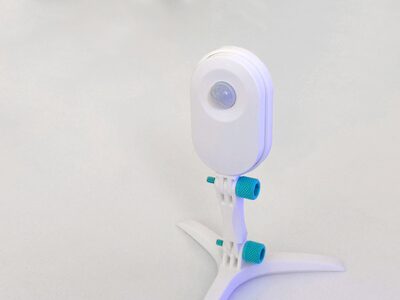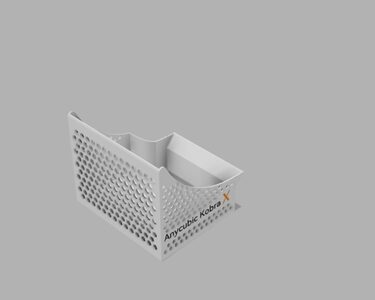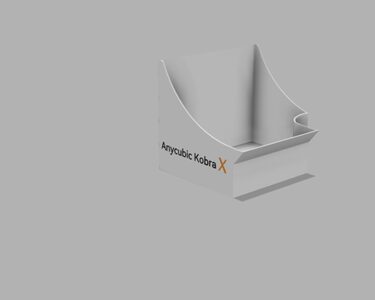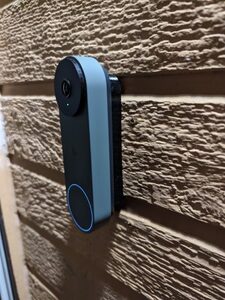
Google Nest Gen 2 Wired Doorbell Spacers (Flat & Angled)
MakerWorld · bri0nac

MakerWorld
Licence (jen pro osobní použití) dovoluje jen nekomerční použití. Stáhněte si soubor u zdroje, nahrajte ho k nám a vytiskněte na pronajaté tiskárně pro vlastní potřebu, ne na prodej.
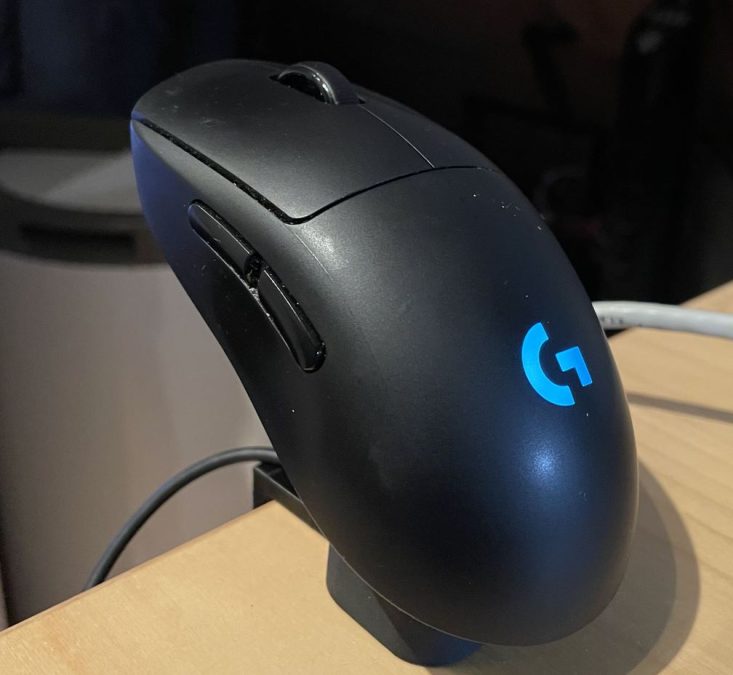
Nahrát soubor a vytisknoutMany mice in the Logitech G-series support contactless charging though the conductive magnets that hold the little puck to the mouse. This contraption allows you to put the mouse on a stand when you are not using it, and charge it without needing to plug in a USB cable. Commercial versions of this are available in retail for around €120, but I didn't want to buy anything 🤓 Prerequisites Compatible mice • G 403 • G 502 • G 703 • G Pro Wireless • G 903 • G 502 HERO • G 703 HERO • G 903 HERO • G PRO X superlight Tools and hardware • Soldering equipment • Soldering iron (I use a Pinecil) • Wire strippers • Flux and tin • Recommended: Multimeter • Spare USB cable • 4x 5mmØ, 1.75mm tall magnets for the puck. Verify the magnets are electrically conductive. • Either (both these stands will adhere magnetically - assembly method differs): • For the stand with magnets: 2x 5mmØ x 1.75mm magnets • For the stand with screws: 2x ferromagnetic (iron or steel) M4x20 screws (M4x15 or M4x25 may also work) Print instructions First choose if you want to assembly the version with the magnets or not. The version with the magnets is more difficult to assemble due to needing superglue, but you can never accidentally mount the mouse in the reverse order (though supposedly a diode would protect the mouse). Both versions functionally work fine though. You won't need supports - just print it face down at 0.12mm layer height. Then, choose how you want to attach the stand to your desk. You can either have it stand freely, or attach it to the desk (assuming 20mm of height). You can print in multicolor if you wish. On MMU/AMS printers you can print in multicolor. On single color printers, do a filament change once the “G” logo has finished printing. Always print the puck. Tolerances: I printed this on the Bambu Lab X1C. If you have trouble with tolerances, use a plastic scraping tool,. sandpaper, or use the holes feature in SuperSlicer to increase the size of the holes. I
MakerWorld · bri0nac
MakerWorld · R C 3D
MakerWorld · IXPatch
MakerWorld · Ukdavewood
MakerWorld · keeeal
MakerWorld · vr6syncro
MakerOnline · FlwidPrint
MakerOnline · FlwidPrint
Cookies a měření. Nezbytné cookies jsou vždy; měření návštěvnosti a reklamy jen s vaším souhlasem. Víc o cookies