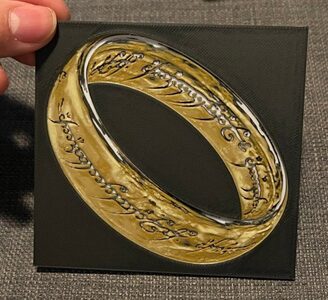
One Ring - Dual Print and Lithophane - Hueforge Print
MakerWorld · cyanidesugar

autor quattro · Printables
Licence modelu (CC BY (s uvedením autora)) dovoluje i komerční použití. Stáhněte si soubor u zdroje a nahrajte ho k nám. Autora a zdroj uvedeme u objednávky za vás.
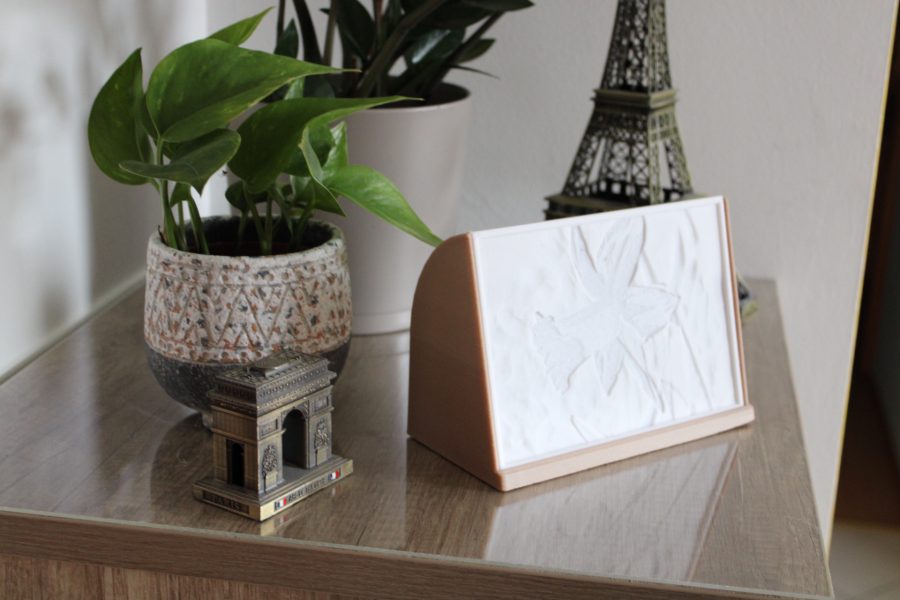
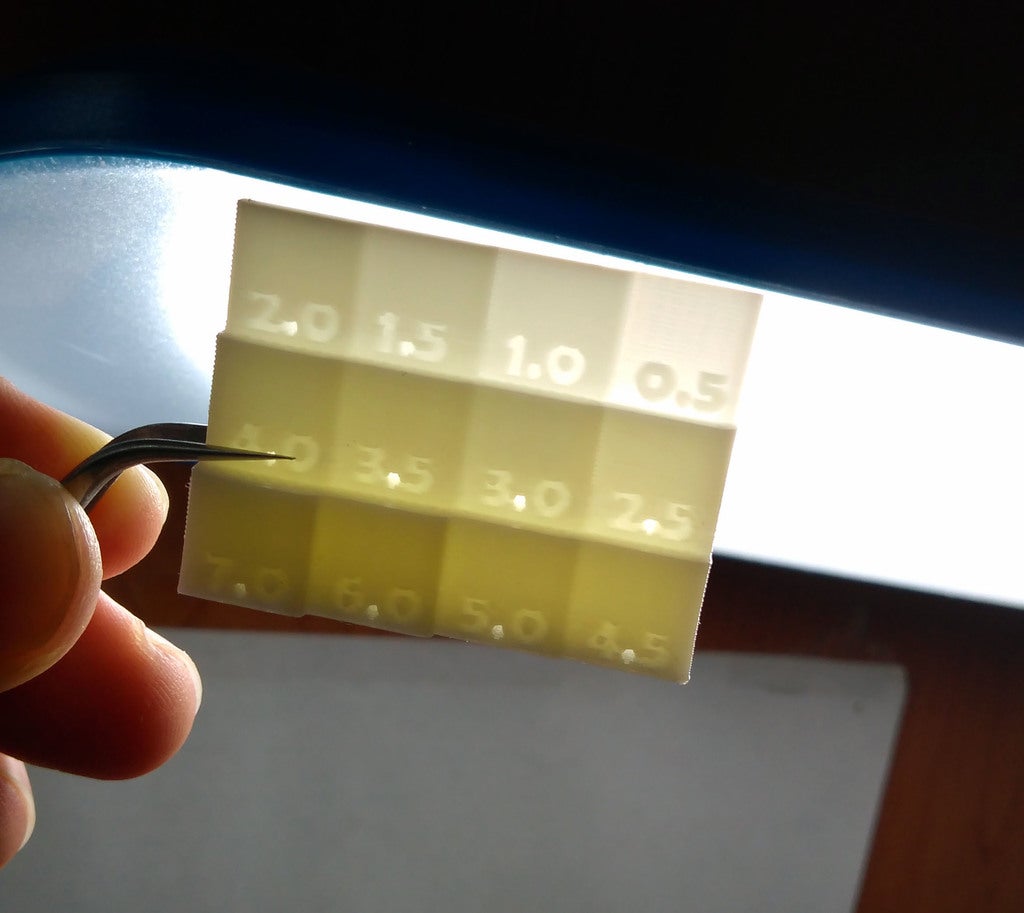
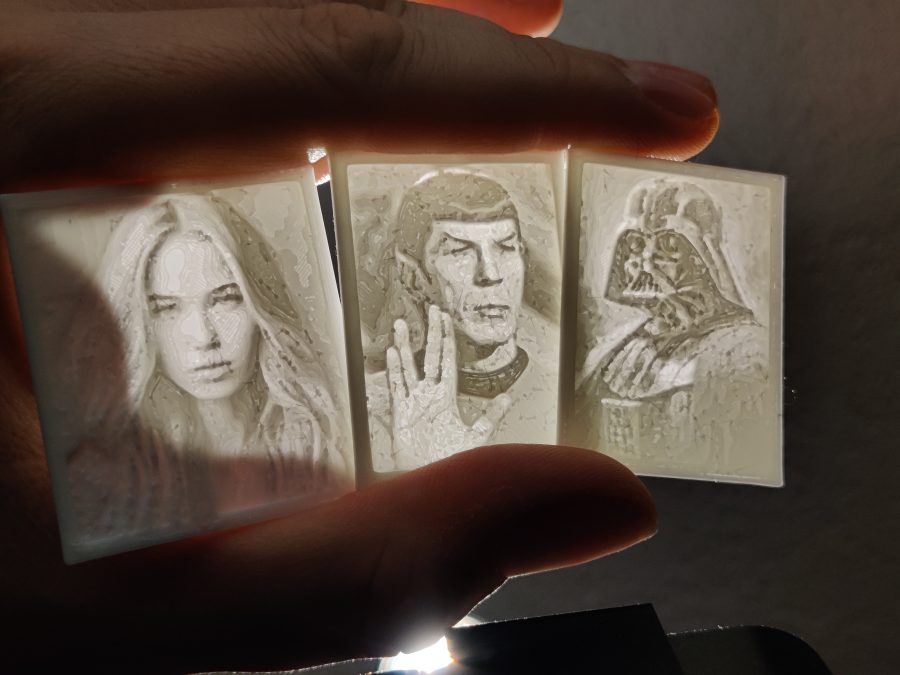
Nahrát soubor a vytisknoutImagine walking into a UV lit location wearing a picture of Darth Vader or Spock around your neck! It will immediately light up and will show everyone that the Force in fact is with you or you find something fascinating while raising an eyebrow.I have included these two designs in the examples. For this isn't just a model of two pendants. This is a tutorial and a toolkit to make your own with any suitable picture. The fun doesn't stop there, ever heard of a lithophane and wished there was one of your favorite picture? Loved one, pet, car or maybe a landscape? Perfect gift for Christmas btw.Look no further!Know your FilamentFirst of all you should know what your filament is capable of. For this purpose I have made some filament testers. There are 2 variants:True lithophaneThis one features a wide frame to allow for a better judgement against a bright light.White on black imageThis has a base of black filament to act as a proper background.TestingJust print a fitting tester with the filament(s) you are going to use and find out what it is capable of.The tester has numbers on it, those are the layers of filament printed of top of each other. For obvious reasons 100% infill is required.As long as a difference between the segments is visible this layer height can be used. So, if you can see a difference between 7 and 8 but 8, 9 and 10 all look the same, this means: You can use up to 8 layers. Using 9 layers or more will not further increase the dynamic range of the resulting image.I have included a tester for lithophane (with frame) and for pictures. Also, there is one extended tester for lithophanes with 20 segments. They are designed for 0.15mm layer height.Additionally there are versions for 0.10mm layer height.As this is open source, you can create your own tester with the Filament_Tester.scad file in OpenSCAD.Configuring your filament test part (Optional)If you have used OpenSCAD before, please skip the next two paragraphs!OpenSCAD is like a programming languag
MakerWorld · cyanidesugar
matplace
MakerWorld · 3DPrintBunny
Printables · MeasureOnce
MakerWorld
Printables · Carl D
Printables · RetromanIE
Printables · LMF5000
Cookies a měření. Nezbytné cookies jsou vždy; měření návštěvnosti a reklamy jen s vaším souhlasem. Víc o cookies