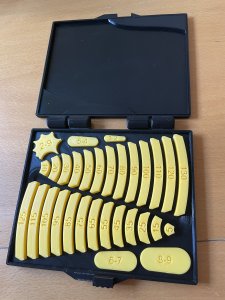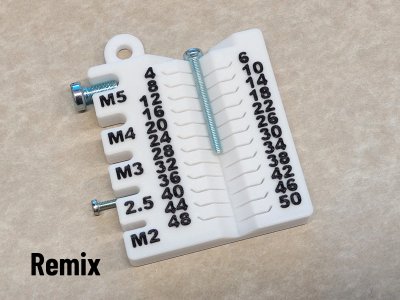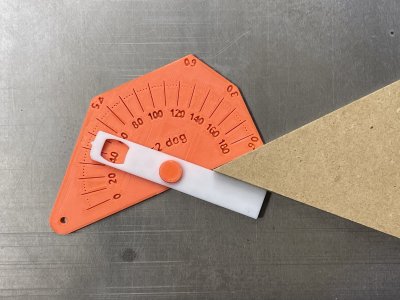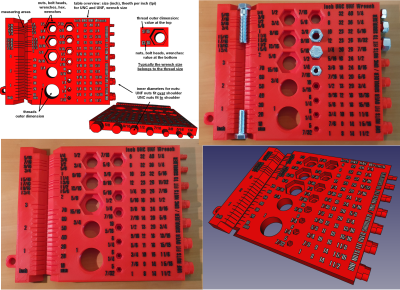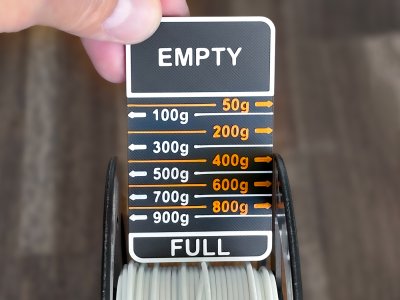
Filament Measuring Tool
Printables · Roland

MakerWorld
Licence (jen pro osobní použití) dovoluje jen nekomerční použití. Stáhněte si soubor u zdroje, nahrajte ho k nám a vytiskněte na pronajaté tiskárně pro vlastní potřebu, ne na prodej.
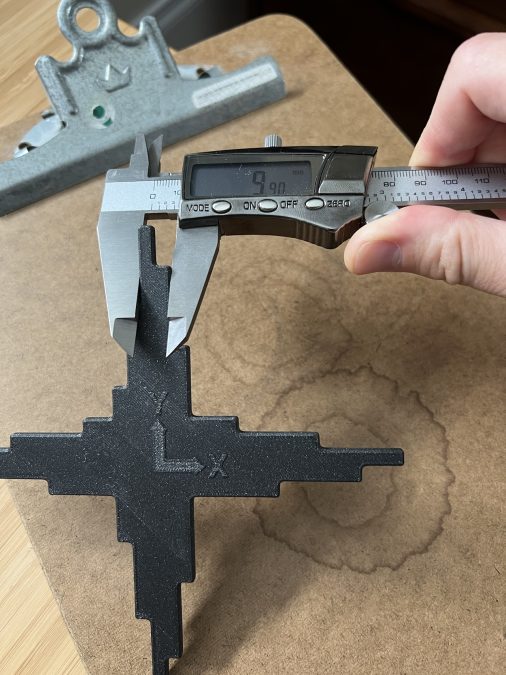
Nahrát soubor a vytisknoutWhat this does • Helps you correct XY print scaling issues methodically and repeatably instead of guessing or coarse whole-object scaling. Works for Z too (though this tends to be less of a problem with FDM printers). • Gives you an easy way to calculate the proper XY Shrinkage % in OrcaSlicer's per-filament settings: • Or, equivalently Scale % in PrusaSlicer (per object): Background One of the most important aspects of calibration is the dimensional accuracy of your prints, which means that the dimensions of your printed objects match the dimensions of your 3D models. However, calibrating the dimensional accuracy can be tricky and calibration cubes are single coarse measurement tools that are subject to measurement error. Thankfully, modern slicers like OrcaSlicer give us ways to fix common XY dimensional accuracy issues for a given filament (like ABS/ASA) and printer without having to mess with extrusion multiplier/flow (which can ruin surface finish) and without resorting to other tricks. An included Excel worksheet takes the pain out of doing this. All you need are a printer and some digital calipers! Why I made this • I wanted a way to calibrate a filament (and print profile/printer) to help ensure that what I printed was as close to what I modeled as possible, mostly in the XY directions. • After tuning my printer's flow (extrusion multiplier), temperature, and other factors, I was still having minor scaling issues with some filaments. This is mostly due to the characteristic plastic shrinkage that is different for every plastic. Why this is more accurate than other XY(Z) calibration methods: • The edges are chamfered to eliminate first/last layer effects. • Round corners help avoid corner bulge effects from influencing measurements. • Versus a calibration cube the included Excel sheet analyzes the difference in the length of the ideal vs printed measurements, instead of total length. This reduces the influence some effects which might distort th
Printables · Roland
Printables · TooMuchFilament
Printables · PhilippHee
Printables · PhDGoSlowAncient
Printables · Roland
Printables · Boogie
Printables · fivesixzero
Cookies a měření. Nezbytné cookies jsou vždy; měření návštěvnosti a reklamy jen s vaším souhlasem. Víc o cookies